
Help Your Business Software Work Together

Software integrations can reduce duplicate entry and help your team find the information it needs. USA Communications helps coordinate suitable providers to connect communications, customer records, scheduling, and other business systems. We start with the workflow, confirm what your software supports, and clarify setup, testing, costs, and ongoing ownership before recommending a path.

Schedule a Free Technology Assessment to review your starting point with our Fort Worth team.


Options to Explore

Customer Records & Communications

Explore call logging, screen pops, notes, and follow-up tasks where supported. Help staff use customer information without switching between disconnected tools.

Scheduling & Service Workflows

Connect supported calendars, appointment systems, forms, and ticketing tools. Define what creates a request, who handles it, and how updates reach your staff.

Application & API Support

Compare built-in connectors with custom development or API work. Confirm scope, permissions, licensing, and access to the systems involved before starting.

Project & Technical Coordination

Bring the right specialists into implementation, migration, or onsite work. Clarify responsibilities between your team and each provider.

Specialist reviewing connected business software

Map the Work Before Choosing a Connector

Where do employees repeat information? Which system has the current customer record? What needs to happen after a call, appointment, or service request? These questions help identify a useful integration instead of connecting tools without a defined result.

We review the systems in place and coordinate suitable specialists for the specific scope. Communications, CRM, scheduling, and ticketing connections can work differently across products and plans. We confirm the intended workflow rather than assuming that an integration listing covers every feature.

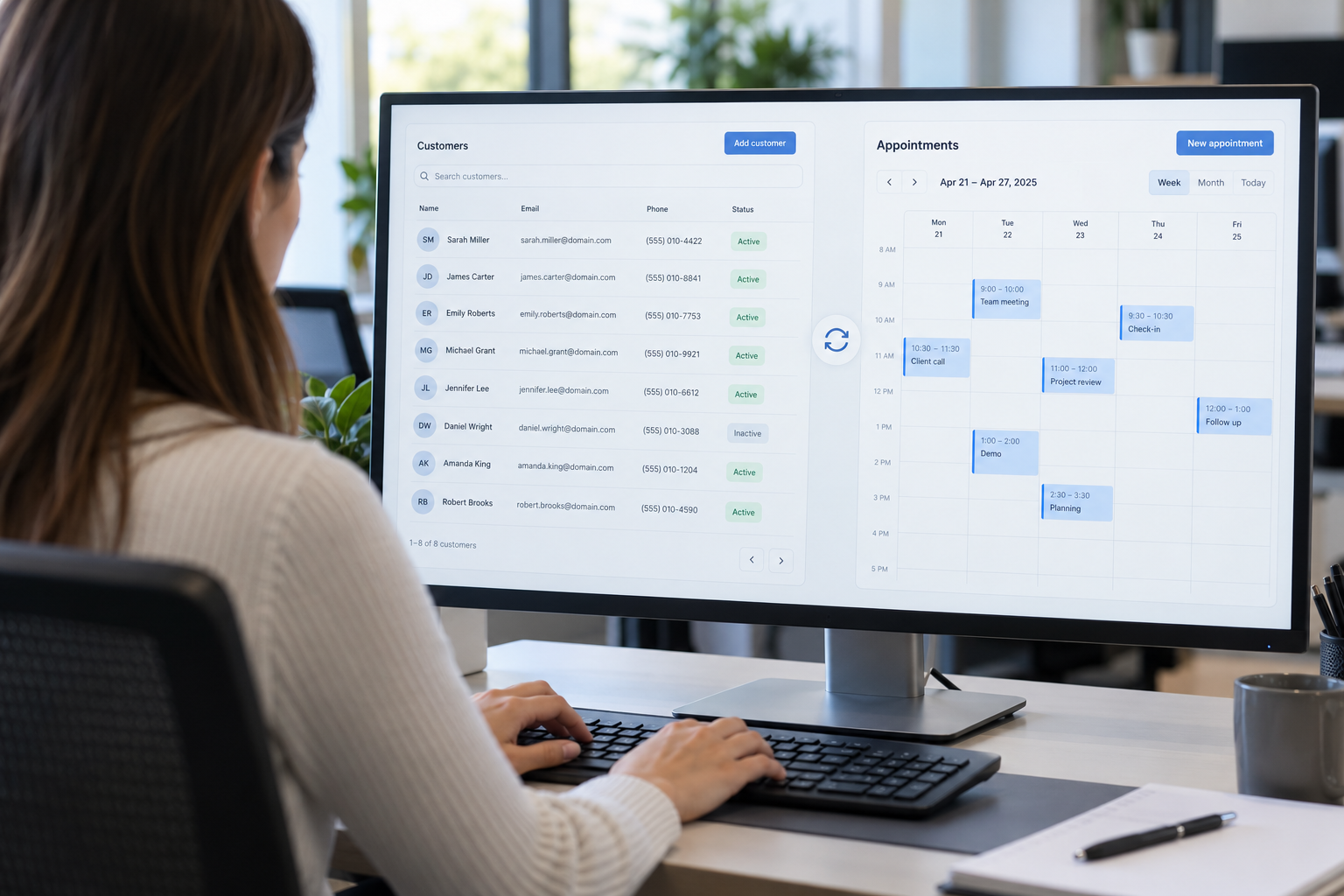
Specialist reviewing connected customer records and appointment scheduling

Match the Integration to Your Environment

A built-in connector may cover a standard workflow. More complex needs can require configuration, API access, application development, migration assistance, or technical resources at your site. We help clarify what is included and what requires a separate project.

Review data fields, direction of updates, record matching, permissions, and the systems that remain the source of truth. For healthcare workflows, the exact EHR connection, supported functions, and provider agreements need review with the appropriate stakeholders.

Team testing a customer record and task integration

Plan for Testing and Support After Launch

Test normal transactions along with duplicate records, missing information, expired access, and failed updates. Define how staff see a problem, who receives the ticket, and how the workflow continues while it is being repaired.

Software changes can affect a connection later. Confirm who maintains connectors or custom work, handles renewals, and supports version changes. USA Communications helps coordinate the chosen providers and ongoing vendor questions, with a clear distinction between included service and separately quoted development or technical work.

What to Review Before Choosing

The Exact Workflow

Document the trigger, the information that moves, and the result staff should see.

Access & Data Handling

Confirm permissions, record ownership, data retention, and the requirements for sensitive information.

Support Responsibilities

Know who owns configuration, testing, failed updates, software changes, and ongoing maintenance.

Common Questions

Can all of our software be connected?

Compatibility depends on connectors, APIs, permissions, and the scope of work. We help confirm what is supported before a provider commits to implementation.

Do we need custom development?

Some workflows can use a built-in connector or configuration. Others require development. We compare the actual requirement, costs, and ongoing maintenance.

Is integration work included in the free assessment?

Our initial technology assessment is no-cost. Provider implementation, custom development, migrations, and onsite technical work may require a separate paid scope.

Discuss Your Next Step

Tell us what you want to improve and which services you use today. We will help compare suitable provider options and clarify implementation and ongoing support.